
ASCII Shader
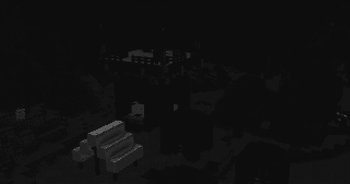
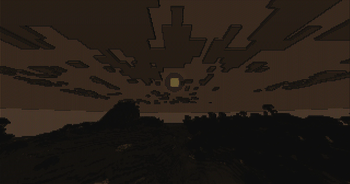
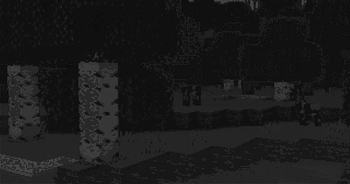
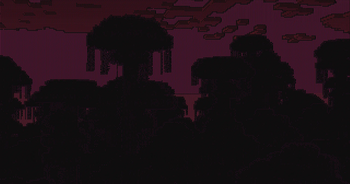
ModrinthA shader intended to make Minecraft render only with ASCII characters!
1.2 · MC 1.21.1 · Iris, Optifine
Files
1.2
releaseASCII Shader V1.2
1.21.11.211.20.61.20.5+46irisoptifine2024-10-05 · 21.9K downloads
ASCII_Shader_V1.2.zip · 20 KB
1.1
releaseASCII Shader V1.1
1.20.11.201.19.41.19.3+40irisoptifine2024-10-01 · 702 downloads
ASCII_Shader_V1.1.zip · 20 KB
1.0
releaseASCII Shader V1.0
1.20.11.201.19.41.19.3+39irisoptifine2024-09-30 · 394 downloads
ASCII_Shader_V1.0.zip · 20 KB
Files are delivered unmodified from Modrinth's servers and verified against the SHA-512 hash published by the project. The project's license applies to every file; check it before redistributing.
Gallery
About
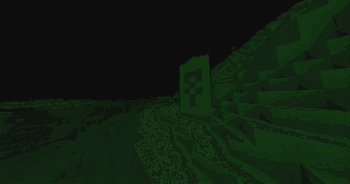
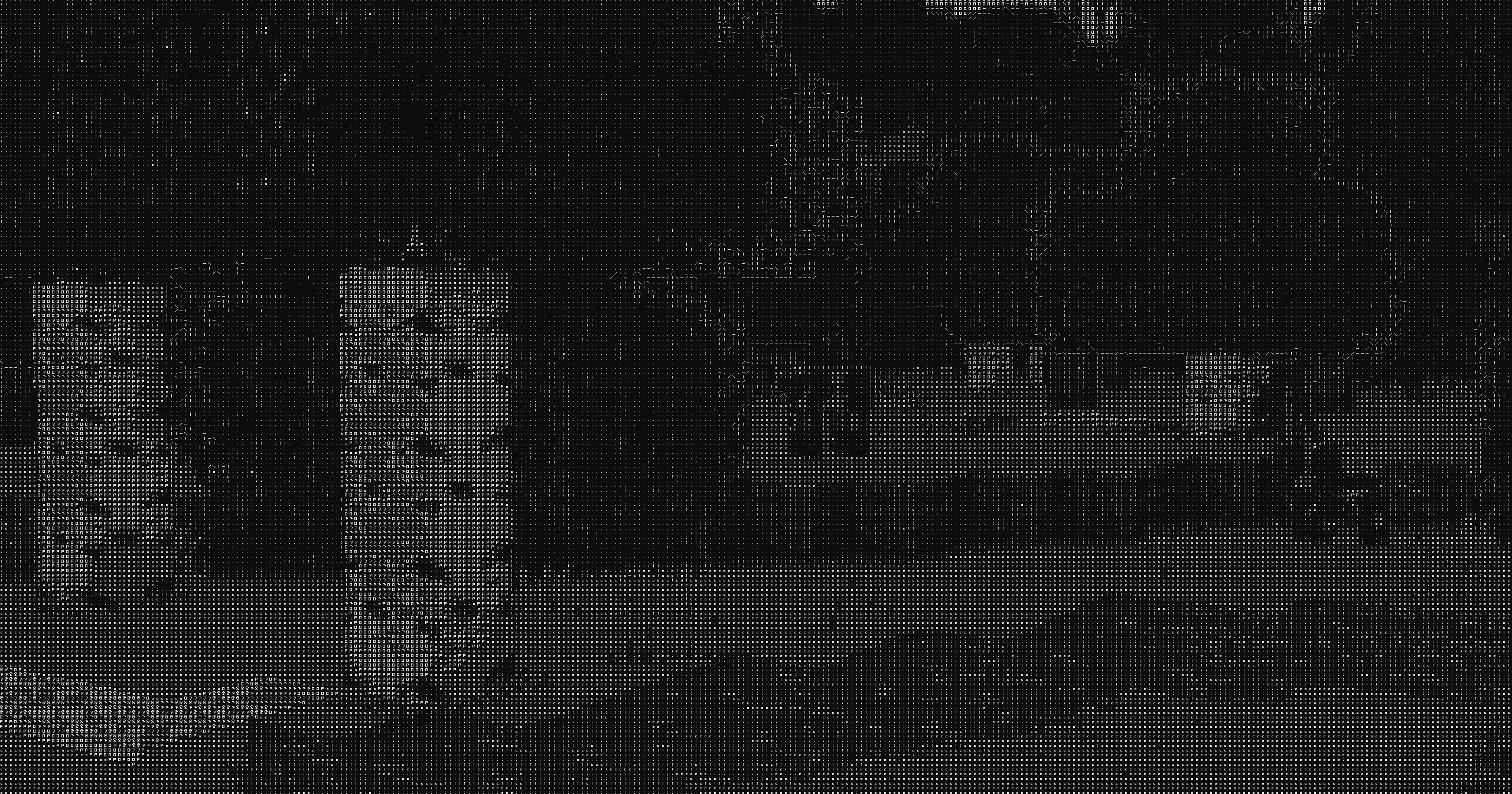
ASCII Shader intends to make Minecraft render only with ASCII characters!
Current features include:
- Color Customisation for, background, dark, and light colors
- Using the in world colors as the text color
- Post proccesing effects like bloom, sharpness, and tonemapping
- Line detection including multiple line detecting modes and performance settings
- Premade color profiles
There is maybe something I want to add to the customizability this (for now at least) should be enough!
If you find any bugs or incompatibilities, you can always report them, it helps me and others out.
Installation
First you need to install either OptiFine or the Iris mod to be able to load shaderpacks. (Choose Iris if you are unsure) Then you need to launch the game, and get to the Shaderpacks/Shaders menu in Video Settings. Open the shaderpacks folder by clicking the button in the menu. Download the ASCII Shader and put it in the shaderpacks folder. Get back in the game, and choose ASCII_Shader in the shaderpacks menu. (Refresh the menu if it doesn't appear)