BrighterAccessibility
ModrinthRemoves the shadows and fog from the game for visually impaired people. Has Distant Horizons support.
1.0 · MC 1.21.4 · Iris
Files
1.0
releaseBA - All Versions
1.21.41.21.31.21.21.21.1+87iris2024-07-13 · 79.3K downloads
BrighterAccessibility.zip · 3.5 KB
Files are delivered unmodified from Modrinth's servers and verified against the SHA-512 hash published by the project. The project's license applies to every file; check it before redistributing.
Gallery
About
BrighterAccessibility
Overview
Compatible with Distant Horizons
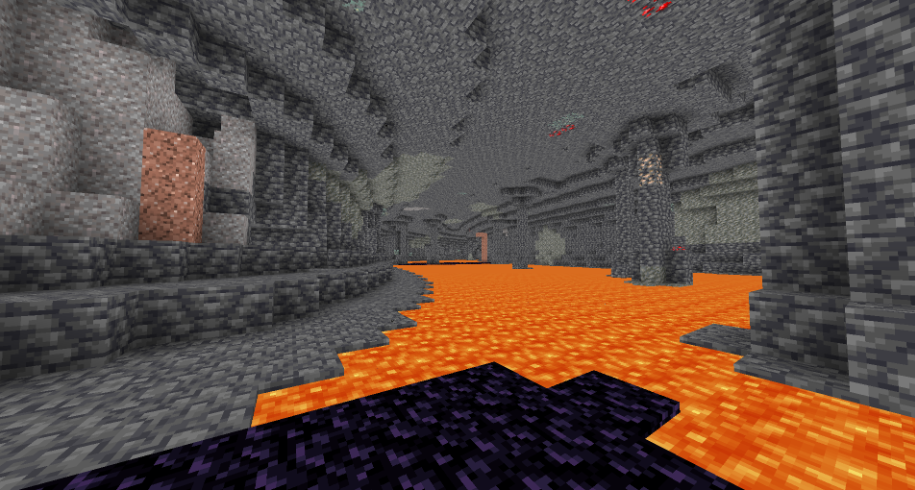
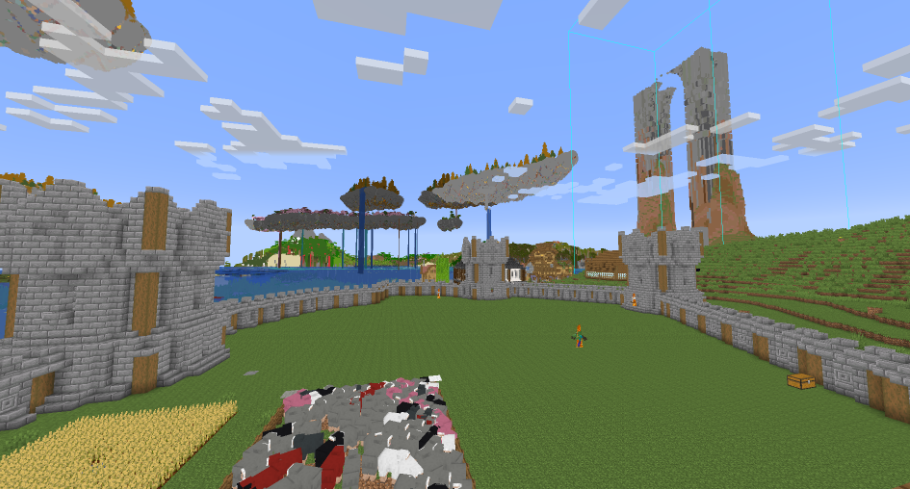
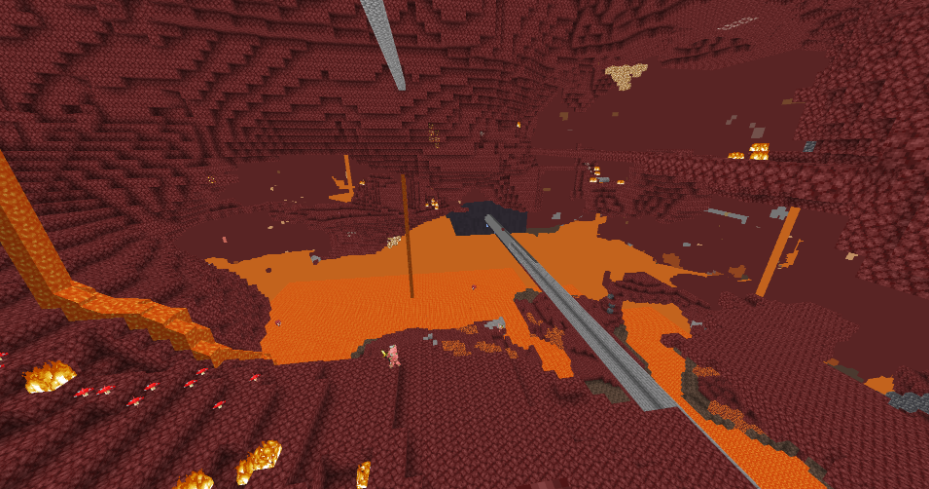
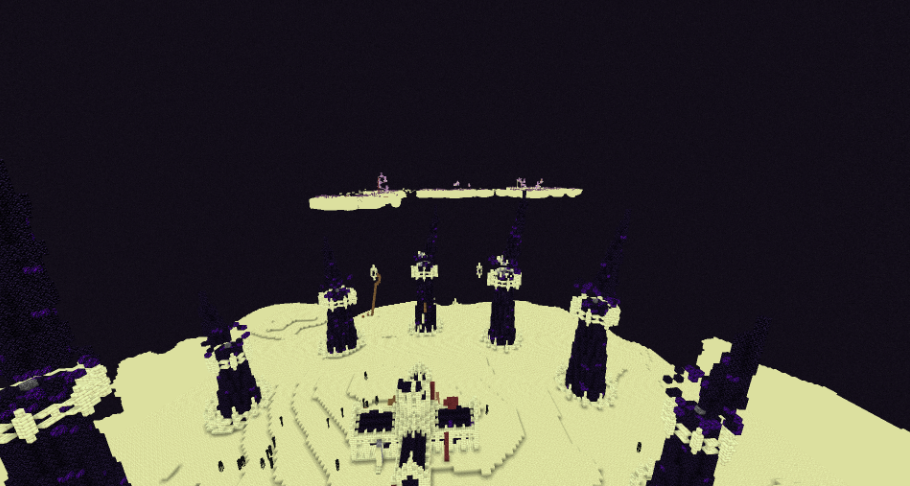
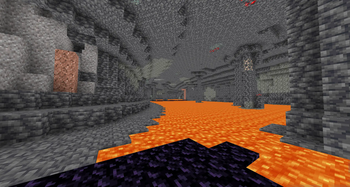
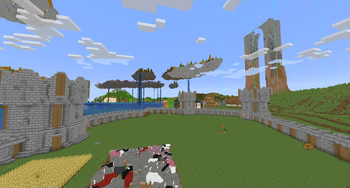
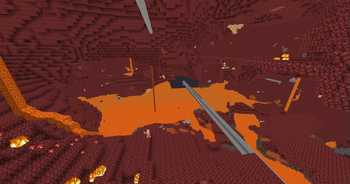
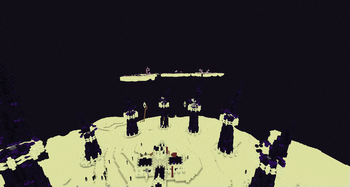
BrighterAccessibility is a custom shader designed to enhance visibility for visually impaired players by making the world brighter. This shader aims to improve accessibility.
Installation
- Download the
BrighterAccessibility.zipfile from the link provided. - Extract the contents into your Minecraft shaderpacks folder.
- Launch Minecraft and select the BrighterAccessibility shader from the iris shaders menu.
Usage
Once installed, the shader will automatically adjust the brightness levels, making dark areas easier to see for visually impaired players. Enjoy a more accessible Minecraft
This shader is intended solely for accessibility purposes. It should not be used to gain gameplay advantages. If you have any concerns or feedback, please reach out to me.
Screenshots