
Ink Shader
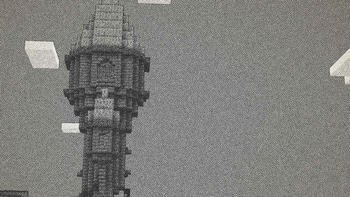
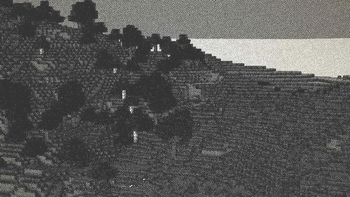
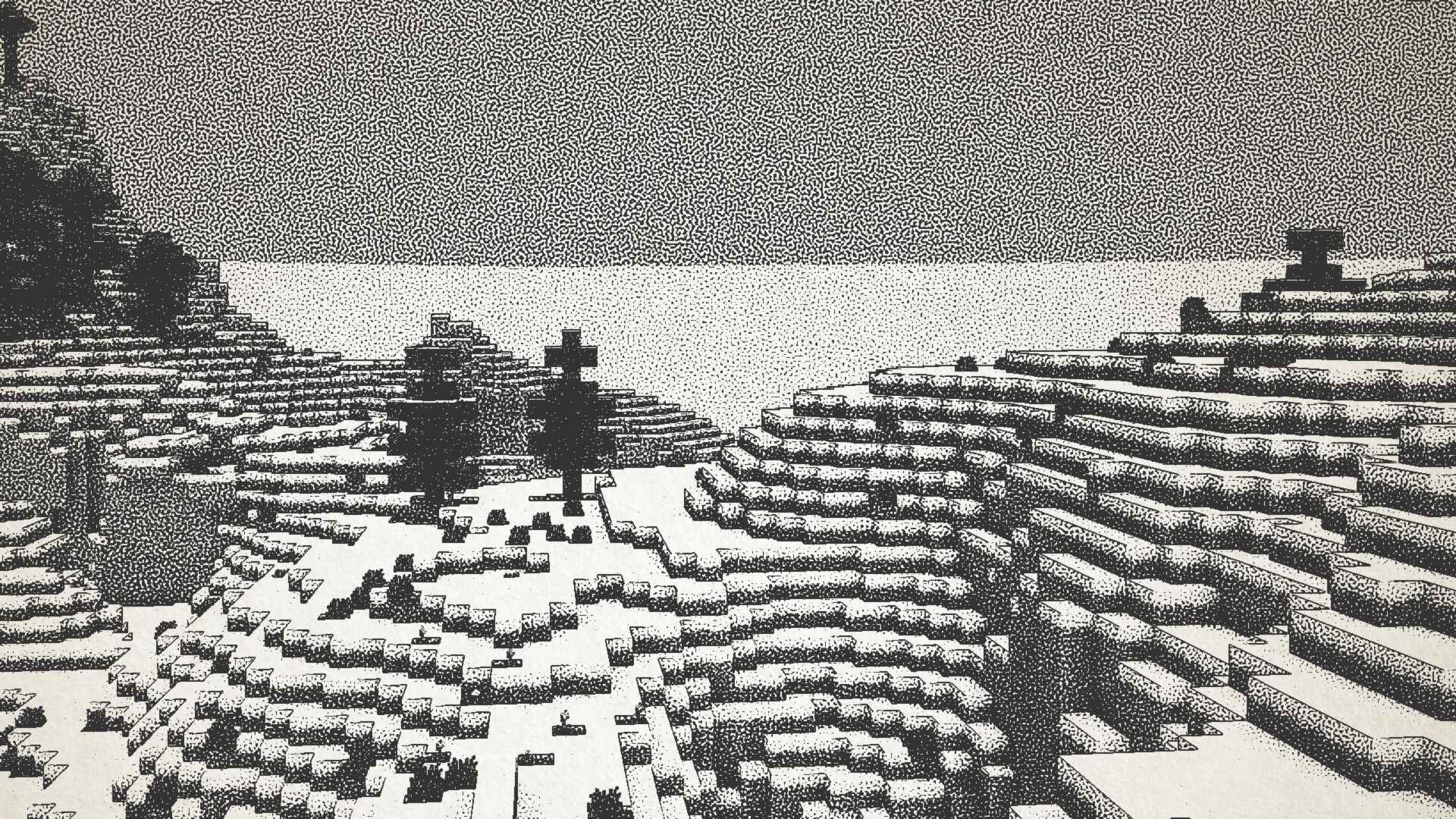
ModrinthVisualizes Minecraft as if it was printed with ink!
18.8K downloads53 followersUpdated 1y ago
1.1 · MC 1.21.4 · Iris, Optifine
Files
1.1
releaseInk Shader V1.1
1.21.41.21.31.21.21.21.1+24irisoptifine2025-05-22 · 9.1K downloads
Ink_Shader_V1.1.zip · 8.2 MB
1.0
releaseInk Shader V1.0
1.21.41.21.31.21.21.21.1+18iris2024-12-28 · 9.7K downloads
Ink_Shader_V1.0.zip · 8.2 MB
Files are delivered unmodified from Modrinth's servers and verified against the SHA-512 hash published by the project. The project's license applies to every file; check it before redistributing.
Gallery
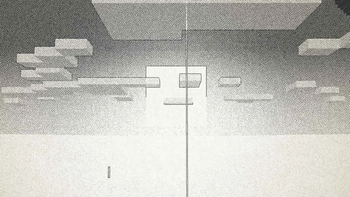
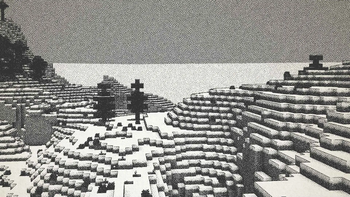
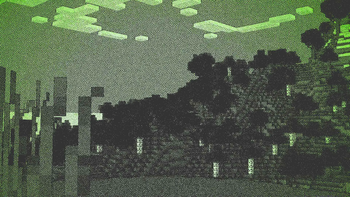
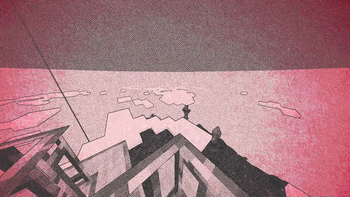
About
Ink Shader tries to visualise Minecraft as if it was printed with ink!
Current features include:
- Color Customisation
- Blur Effect
- Stippling
- Edge Detection
- and more!
This shader was heavily inspired on Acerolas video and uses the paper asset that he uses
I mostly tested on Iris 1.21, other versions might not work. If you find any bugs or incompatibilities, you can always report them, it helps me and others out :D
Installation
- First you need to install either OptiFine or the Iris mod to be able to load shaderpacks. (Choose Iris if you are unsure)
- Then you need to launch the game, and get to the Shaderpacks/Shaders menu in Video Settings.
- Open the shaderpacks folder by clicking the button in the menu.
- Download the Ink Shader and put it in the shaderpacks folder.
- Get back in the game, and choose Ink_Shader in the shaderpacks menu. (Refresh the menu if it doesn't appear)