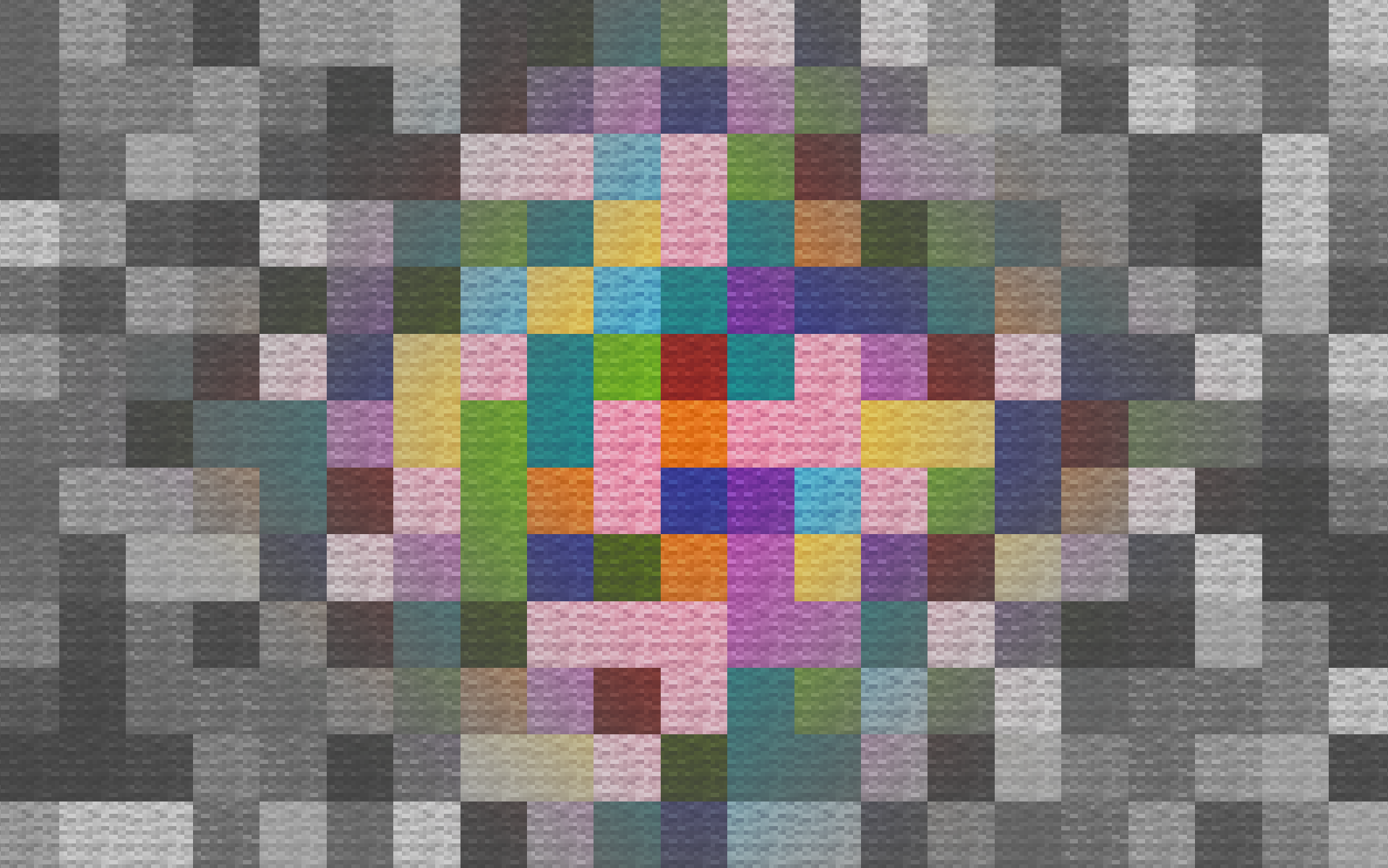
No Light — No Color!
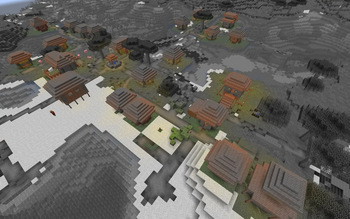
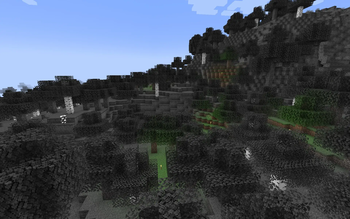
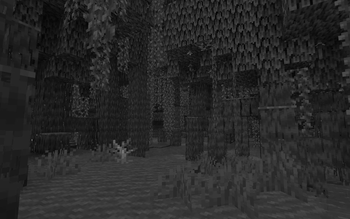
ModrinthBlocks gradually turn black and white as light levels decrease.
1.2 · MC 1.21.11 · Minecraft
Files
1.2
releaseNo Light — No Color! 1.2
1.21.111.21.101.21.91.21.8+13minecraft2026-01-03 · 4.6K downloads
No Light — No Color! v1.2.zip · 281 KB
1.1
releaseNo Light — No Color! 1.1
1.21.81.21.71.21.61.21.5+10minecraft2025-09-14 · 2K downloads
No Light — No Color! v1.1.zip · 276 KB
1.0
releaseNo Light — No Color!
1.18.11.181.17.11.17minecraft2024-09-29 · 2.1K downloads
No Light — No Color! 1.17.x.zip · 268 KB
1.0
releaseNo Light — No Color!
1.20.11.201.19.41.19.3+4minecraft2024-09-29 · 2.3K downloads
No Light — No Color! 1.18 - 1.20.1.zip · 268 KB
1.0
releaseNo Light — No Color!
1.21.51.21.41.21.31.21.2+7minecraftvanilla2024-09-29 · 12K downloads
No Light — No Color!.zip · 274 KB
Files are delivered unmodified from Modrinth's servers and verified against the SHA-512 hash published by the project. The project's license applies to every file; check it before redistributing.
Gallery
About
No Light — No Color!
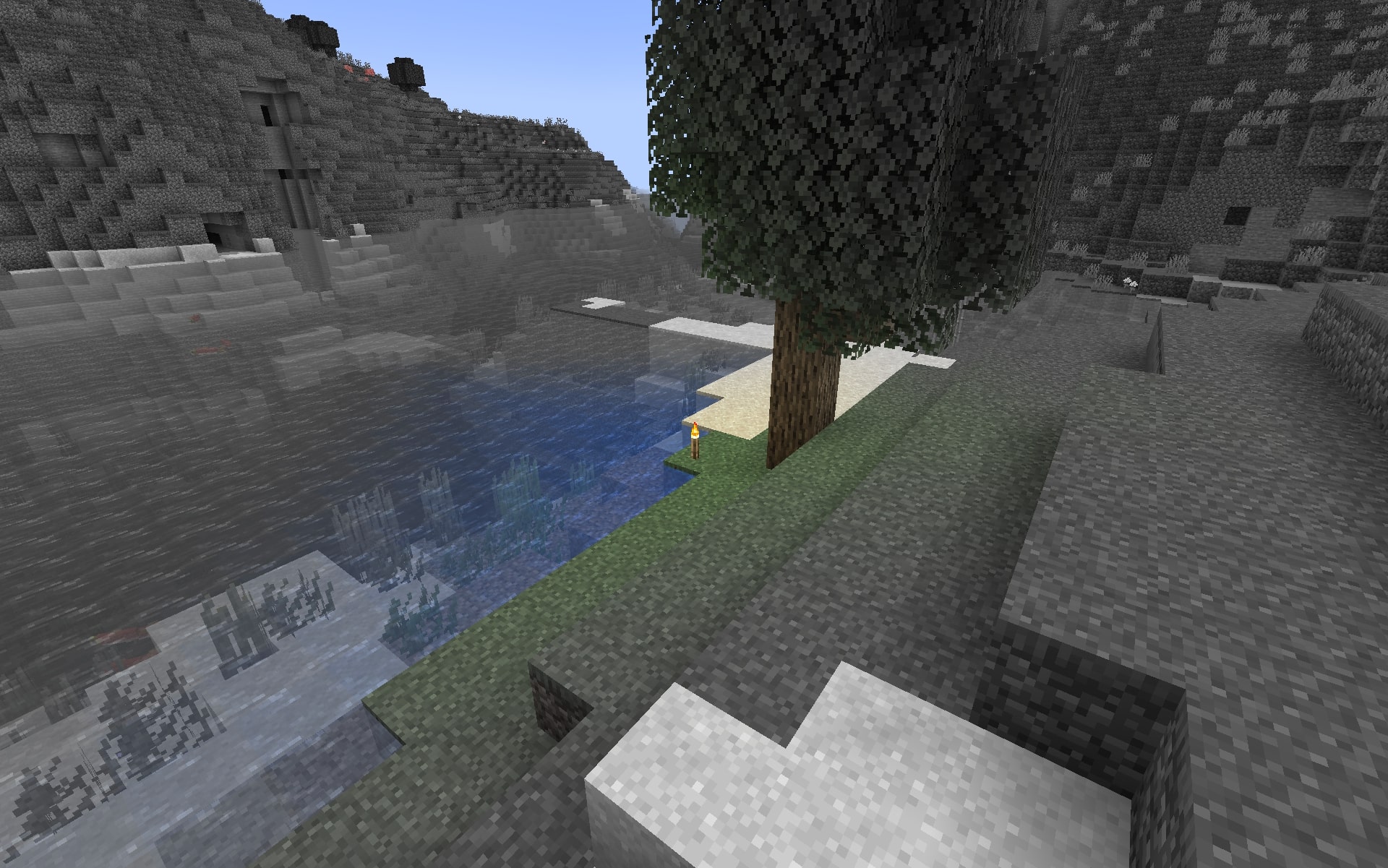
This resource pack makes blocks smoothly become less colorful when they have less block light. Sky light doesn't affect this, only block light. Please note — this resource pack applies only to most of the blocks. Entities, some block entities, particles and other stuff will not be affected due to a different lighting method. Maybe I'll try to make entities and block entities work in the future.
Versions: 1.17 — 1.21.11+
Doesn't require Optifine, and works with it too.
Works with LambDynamicLights mod.
Does NOT work with Sodium.
Customization
You can also adjust radius and smoothness of how light will colorize blocks.
Go into the resource pack into a file assets/minecraft/shaders/include/no_light_no_color.glsl. You can change the numbers in the first 2 lines. The variables don't work very intuitively so just play around until you are comfortable with the result.
Radius variable here is set to 82: